
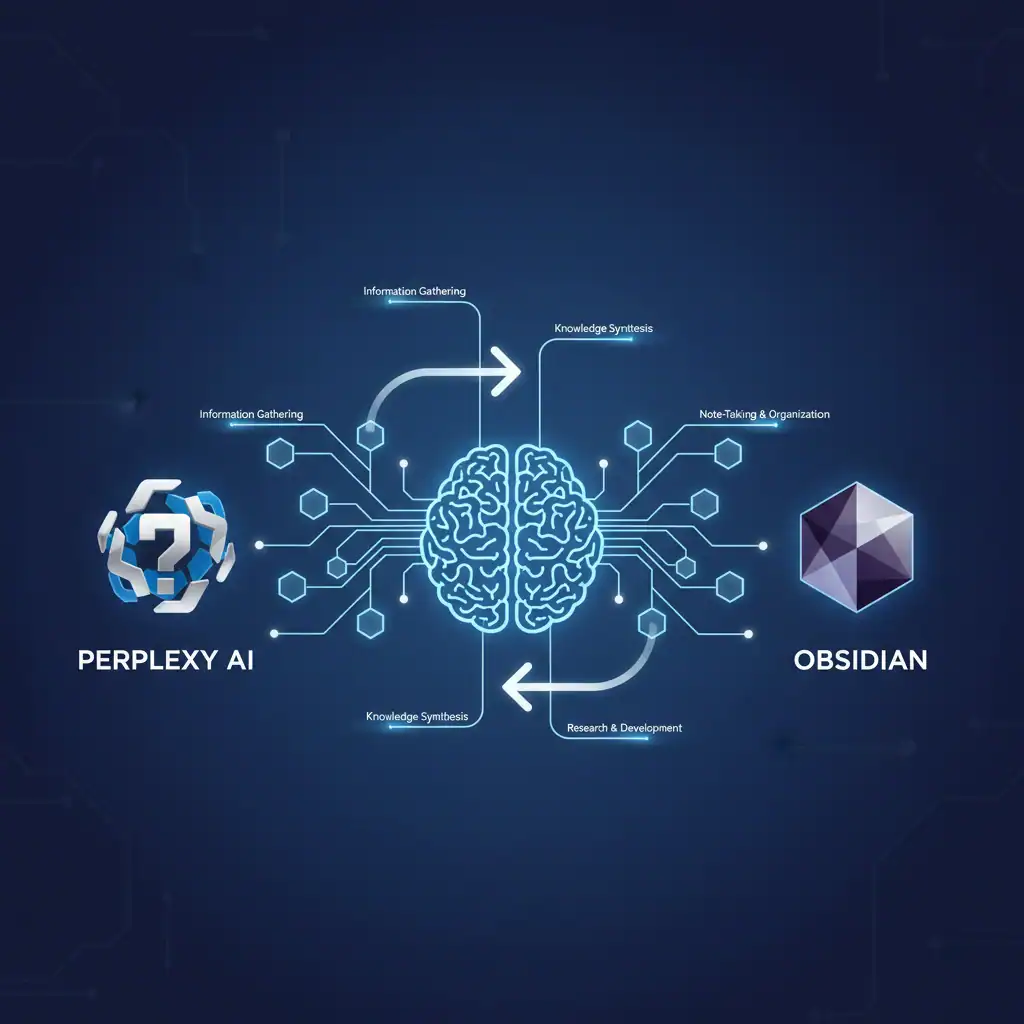
Managing information is a core challenge for any professional today. You gather data from articles, reports, and meetings, but turning that raw information into accessible knowledge can feel like a constant battle. This is where a well-designed AI research workflow can make a significant difference. By combining the strengths of a powerful research tool like Perplexity AI with a flexible knowledge base like Obsidian, you can create a robust system for building and maintaining a “Second Brain.”
We’ve spent considerable time testing various productivity tools, and this particular combination stands out for its efficiency and power. This guide will explain exactly why this pairing works so well and provide a step-by-step process for connecting Perplexity AI to Obsidian. You will learn how to move insights from your research directly into your personal knowledge base, creating a reliable, long-term asset for your work and personal projects.
Why Perplexity is the King of Sourcing in Your AI Research Workflow (and Obsidian is the King of Storing)
Not all AI tools are created equal, especially when it comes to research. While large language models like ChatGPT are excellent for generating creative text, they can sometimes invent facts or fail to provide sources. This is where Perplexity AI shines. It’s designed as a “conversational answer engine,” which means its primary function is to find and synthesize accurate information from the web, complete with citations. This makes it an invaluable tool for professionals who need reliable, fact-checked data.
Perplexity provides clear links to its sources, allowing you to verify information and dive deeper into the original context. This sourcing transparency is critical for any serious research. You can trust the information you gather, which is the foundation of any good knowledge management system.
Once you have these sourced insights, you need a place to store, connect, and build upon them. This is Obsidian’s domain. Unlike linear note-taking apps, Obsidian is built on the principle of a networked thought. It allows you to create links between notes, forming a web of interconnected ideas that mimics how our brains actually work. Your notes aren’t just filed away; they become part of a larger, evolving knowledge graph. Because Obsidian stores your notes as plain text files on your local device, you retain full ownership and control over your data.
Combining these two tools creates a powerful productivity AI toolkit. Perplexity acts as your expert research assistant, delivering sourced answers, while Obsidian serves as your permanent, personal library where those answers become lasting knowledge.
Step-by-Step AI Research Workflow: Moving Data from Perplexity to Your Second Brain
Now, let’s get into the practical side of things. There are two primary methods for transferring your research from Perplexity into your Obsidian vault. The best method for you will depend on your technical comfort level and workflow preferences. We’ve tested both and found each has its place.